
In today’s fast-paced business world, a well-designed business card can make a significant first impression. Utilizing Midjourney, an innovative AI-driven design tool, you can craft a business card that not only conveys essential information but also encapsulates your personal or brand identity. Midjourney’s ability to translate ideas into visual elements offers a unique approach to designing a business card that stands out. Whether you are aiming for a minimalist look, a creative flair, or a professional demeanour, this guide will walk you through the essential steps to create a business card using Midjourney, ensuring that your final product is both eye-catching and representative of your professional persona.
Step-by-step guide on how to create a business card
Creating a business card with Midjourney involves a few key steps. Midjourney is a tool that leverages AI for design and creative purposes. Here is a general process you might follow:
- Define Your Requirements: Before starting with Midjourney, it is important to have a clear idea of what you want on your business card. This includes your name, title, contact information, company logo, and any other relevant details. Also, consider the style and theme you want for your card.
- Use Midjourney’s AI Capabilities: With Midjourney, you can explore various design elements using AI. You might input descriptions of the style you are looking for, such as modern, minimalist, corporate, or creative. The AI can generate design elements based on these descriptions.
- Incorporate AI-Generated Designs: Once you have a selection of AI-generated designs, you can choose elements that best fit your vision for the business card. This could include background patterns, color schemes, or even font styles.
- Layout and Composition: After selecting your design elements, use a graphic design tool to arrange these elements on your business card. Tools like Adobe Photoshop, Illustrator, or even Canva can be used for this. Ensure your name, contact information, and other details are laid out clearly and attractively.
- Refine and Finalize: Adjust your layout as needed, considering alignment, spacing, and overall aesthetic appeal. You may want to run a few iterations through Midjourney if you need additional design elements.
- Print Preparation: Once your design is finalized, prepare the file for printing. This usually involves ensuring the design is in the correct format, resolution, and dimensions, as well as including bleed and safe zones if necessary.
- Choose a Printing Service: Finally, choose a printing service that can print your business cards. Provide them with the design file, and specify any particular paper type, finish, or other printing preferences you have.
Useful prompts for making a business card
Creating a business card that stands out requires a blend of creativity and clarity in your prompts, especially when using AI tools like Midjourney. Here are several prompts that can help you create a unique and effective business card:
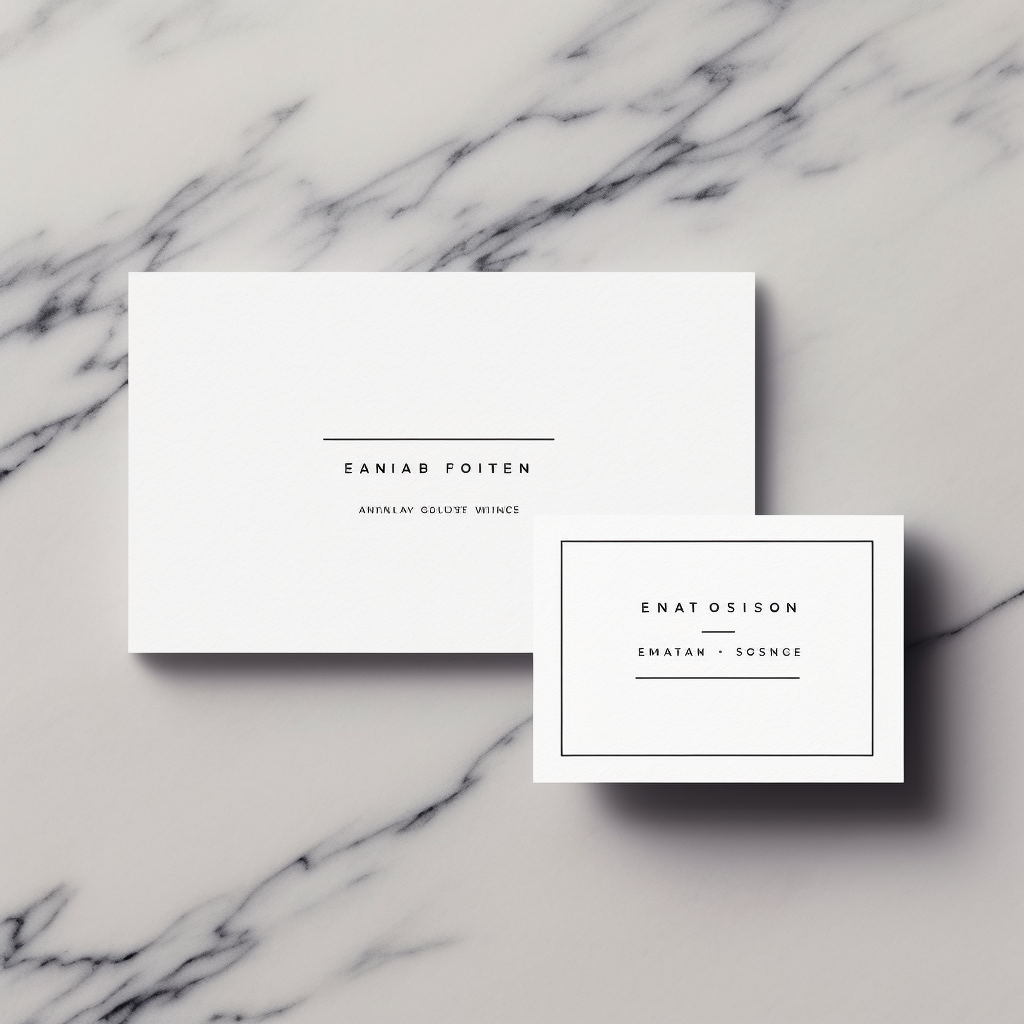
- Minimalist Professional Design:
- “Generate a minimalist business card design featuring a clean layout, with a white background, elegant serif font for the name, and sans-serif for contact details. Include space for a small, professional logo on the top right corner.”
- Creative and Colorful:
- “Create a vibrant and artistic business card design with a colorful abstract background. Use a bold, modern font for the name and a simple, readable font for contact information. Incorporate a creative, eye-catching logo.”

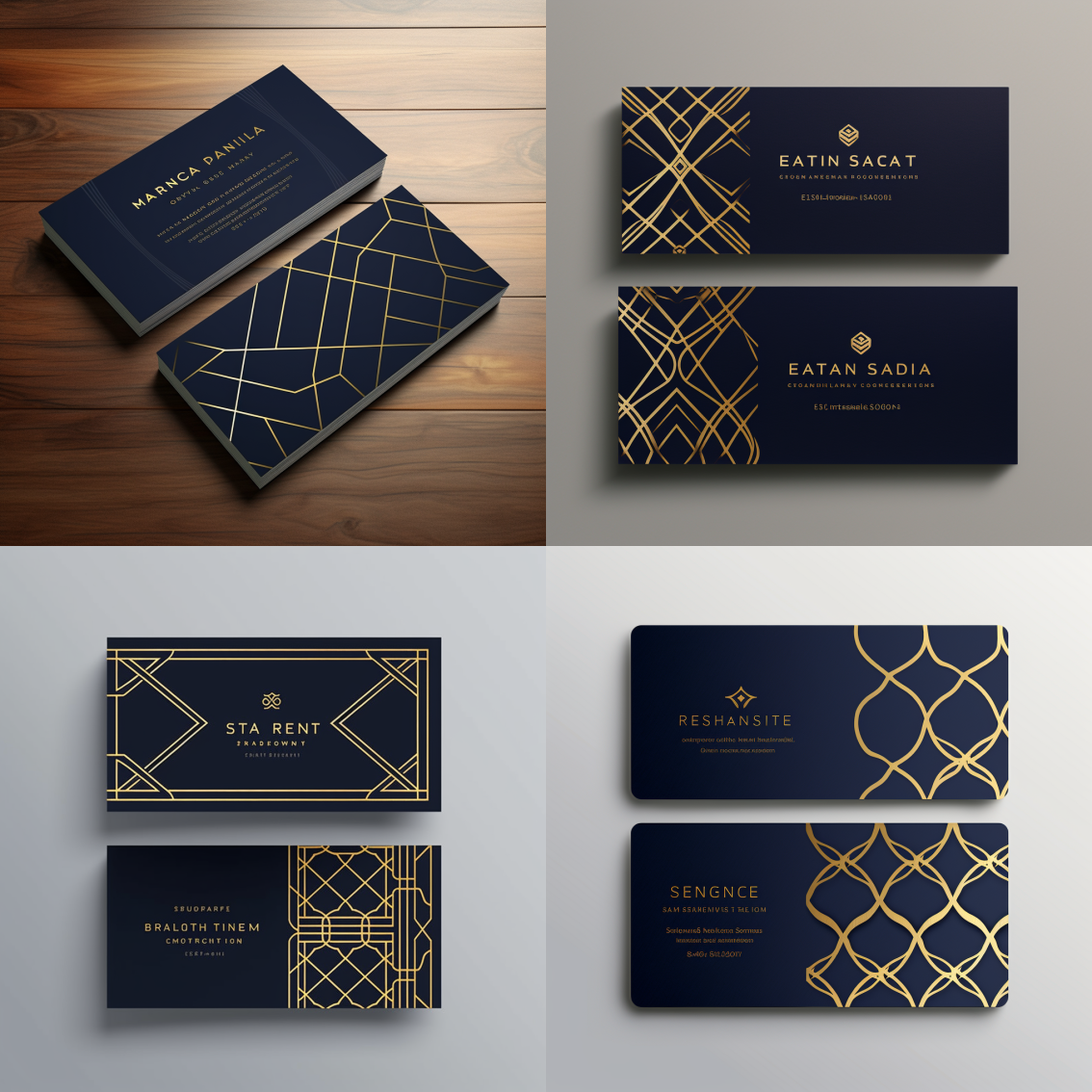
- Corporate and Elegant:
- “Design a sophisticated, corporate-style business card with a navy blue and gold color scheme. Include a sleek, geometric pattern as a watermark and use a classic, elegant font for text. Space for a prominent company logo should be at the top.”
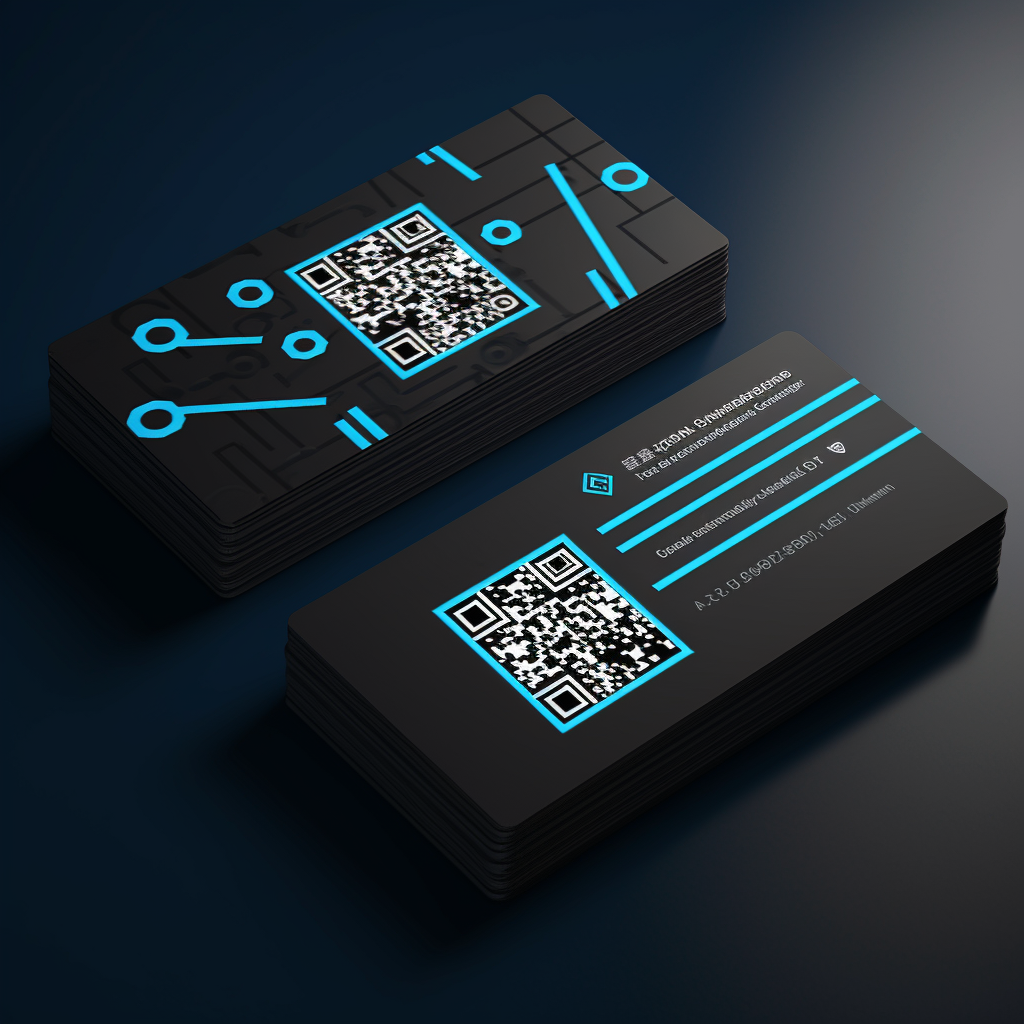
- Tech and Innovative:
- “Generate a tech-inspired business card design with a futuristic look. Use a dark background with neon blue accents, a modern, digital-style font, and a dynamic, tech-themed logo. Include an innovative QR code for digital contact.”
- Eco-Friendly and Natural:
- “Create an eco-friendly business card design with a natural, earthy color palette. Incorporate organic textures or leaf patterns, and use a clean, green font for text. Include a simple, nature-inspired logo.”
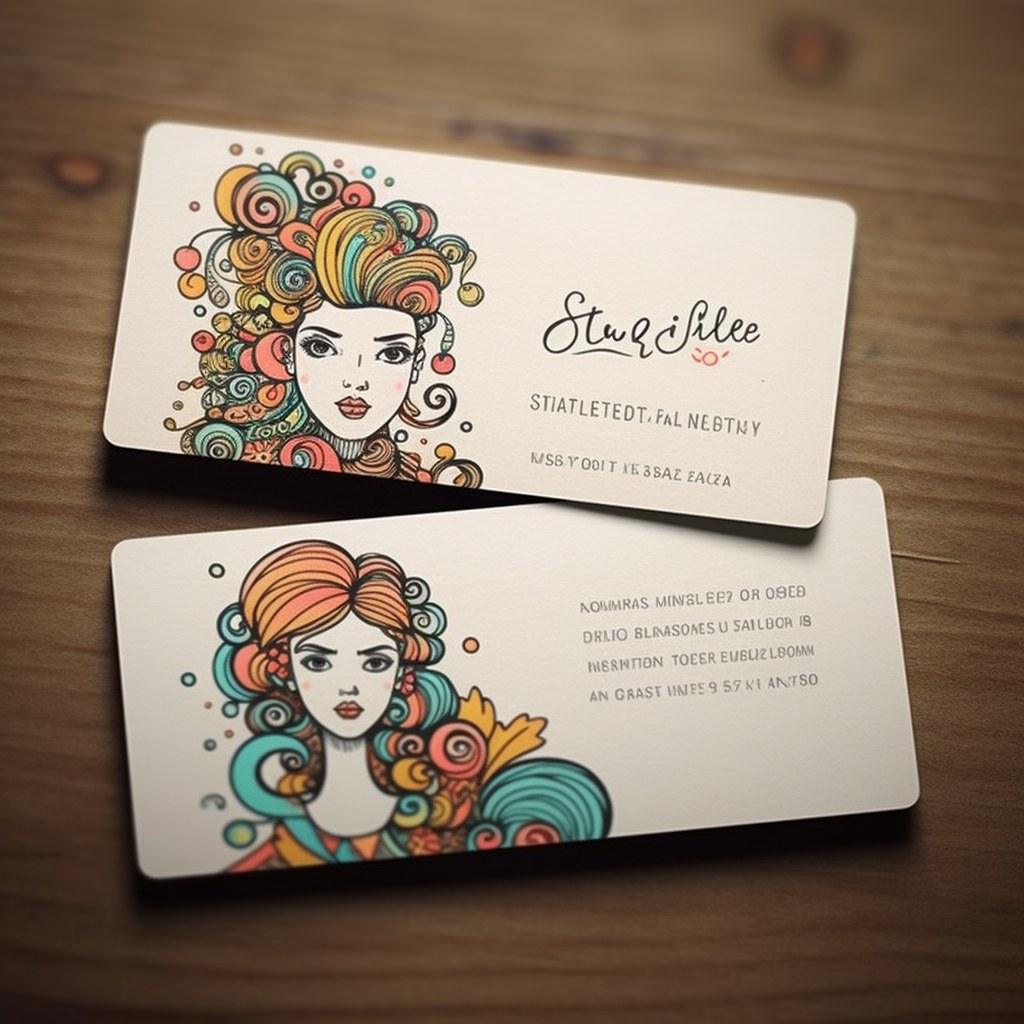
- Artistic and Personal:
- “Design a unique, personal business card with a hand-drawn look. Feature sketch-like illustrations relevant to the profession, use a handwritten-style font for the name, and a simple font for contact details. Add a small, artistic self-portrait or personalized icon.”
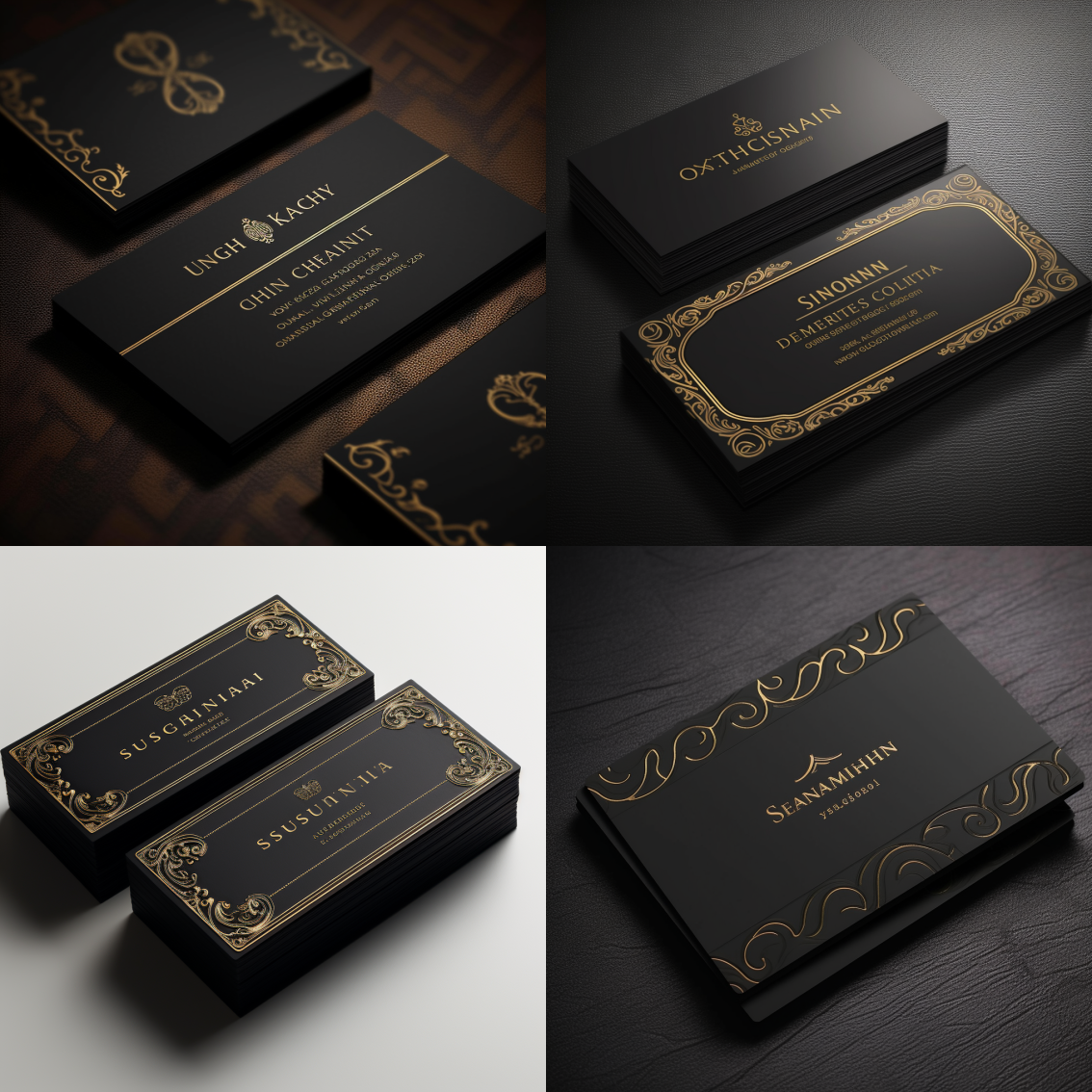
- Luxurious and Premium:
- “Generate a high-end business card design with a black and metallic color scheme. Use an elegant, script font for the name and a simple, high-contrast font for contact details. Include a luxurious, embossed company logo.”
- Healthcare Professional:
- “Create a clean, medical-themed business card with a white and blue color palette. Use a simple, readable font and include medical icons or symbols. Space for a professional photo or medical logo should be included.”

- Freelancer or Creative Professional:
- “Design a modern, informal business card for a freelancer with a playful, creative background. Use a combination of script and sans-serif fonts, and include a quirky, personalized logo or illustration.”

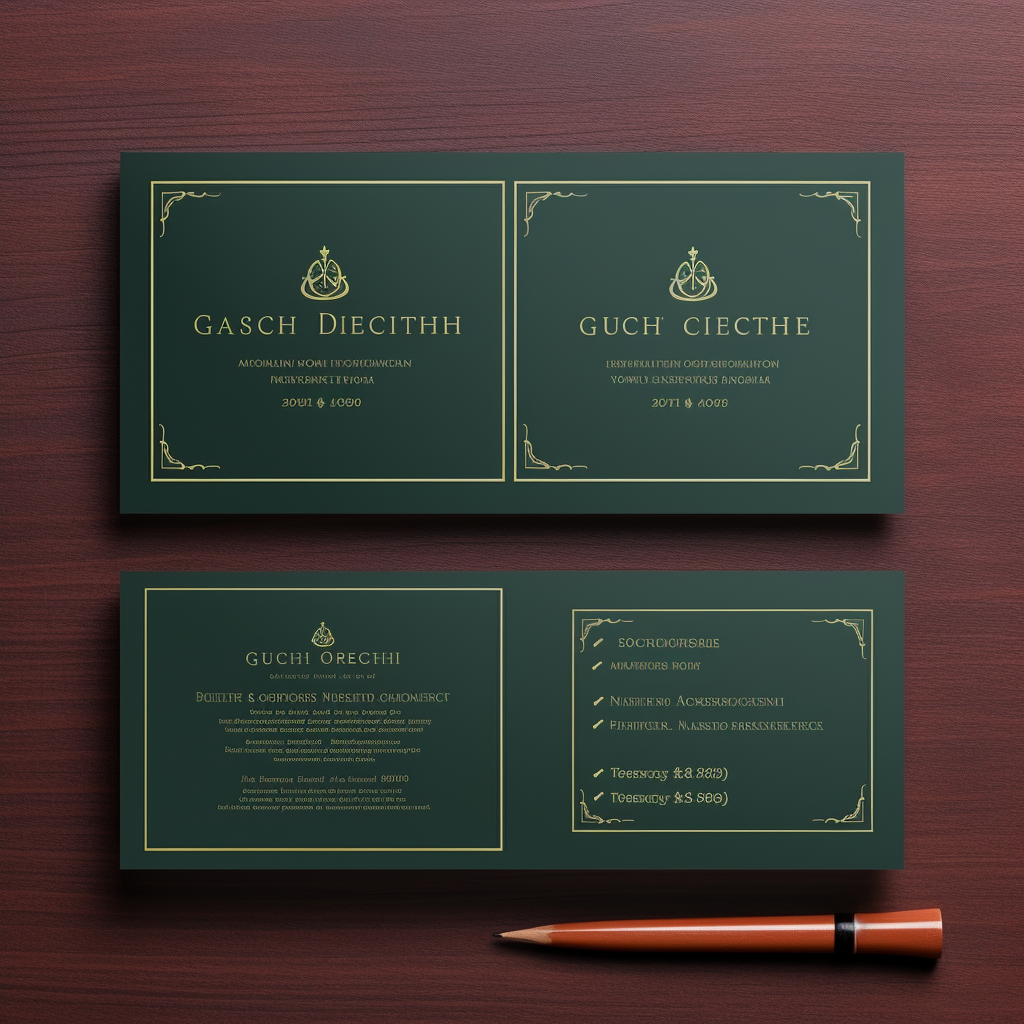
- Legal Professional:
- “Generate a traditional and authoritative business card for a legal professional. Use a deep green or maroon background with a gold trim, a classic, serif font for text, and include a scale or gavel logo.”
Each of these prompts can be tailored to fit your specific profession and personal style, ensuring your business card effectively represents you and your brand.
Conclusion
The journey of creating a business card with Midjourney culminates in a unique blend of AI innovation and personal expression. By carefully defining your requirements and experimenting with Midjourney’s AI capabilities, you can craft a card that truly resonates with your professional image and ethos. From the initial concept to the final print, each step in this process allows for creative exploration and precision, ensuring that the result is not just a piece of paper, but a memorable introduction to you and your business. With these useful prompts and guidelines, you are well-equipped to design a business card that effectively communicates your brand and captures the attention of your professional network.